First Steps
Use this page to confirm that you can enter ENP and recognize the first screen elements that matter.
Before You Begin
Make sure you have:
- the ENP URL provided by your organization
- a valid username or email
- the corresponding password
Step 1: Open the ENP Web App
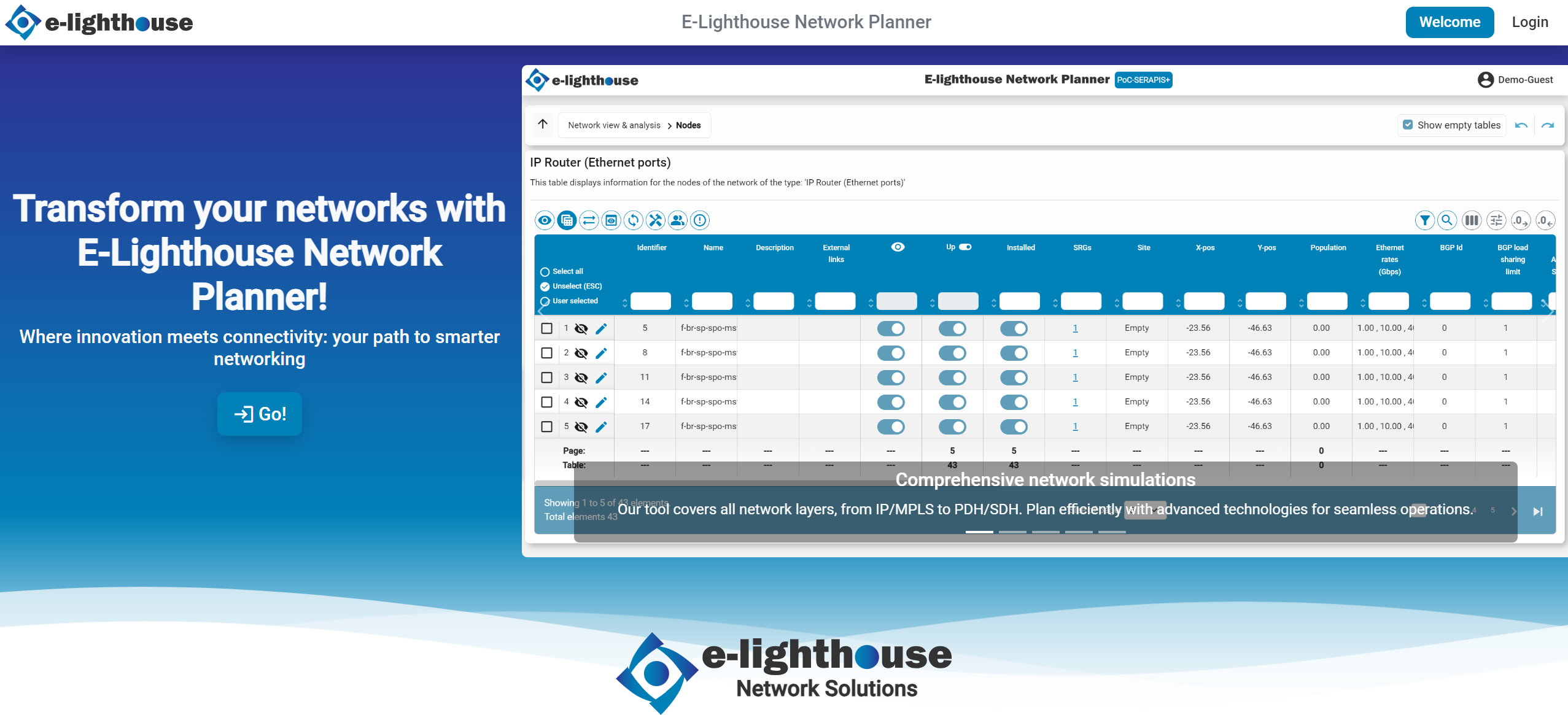
Open a browser and go to the ENP URL provided by your organization.
Step 2: Log In
On the welcome screen, click Log In in the upper-right corner.
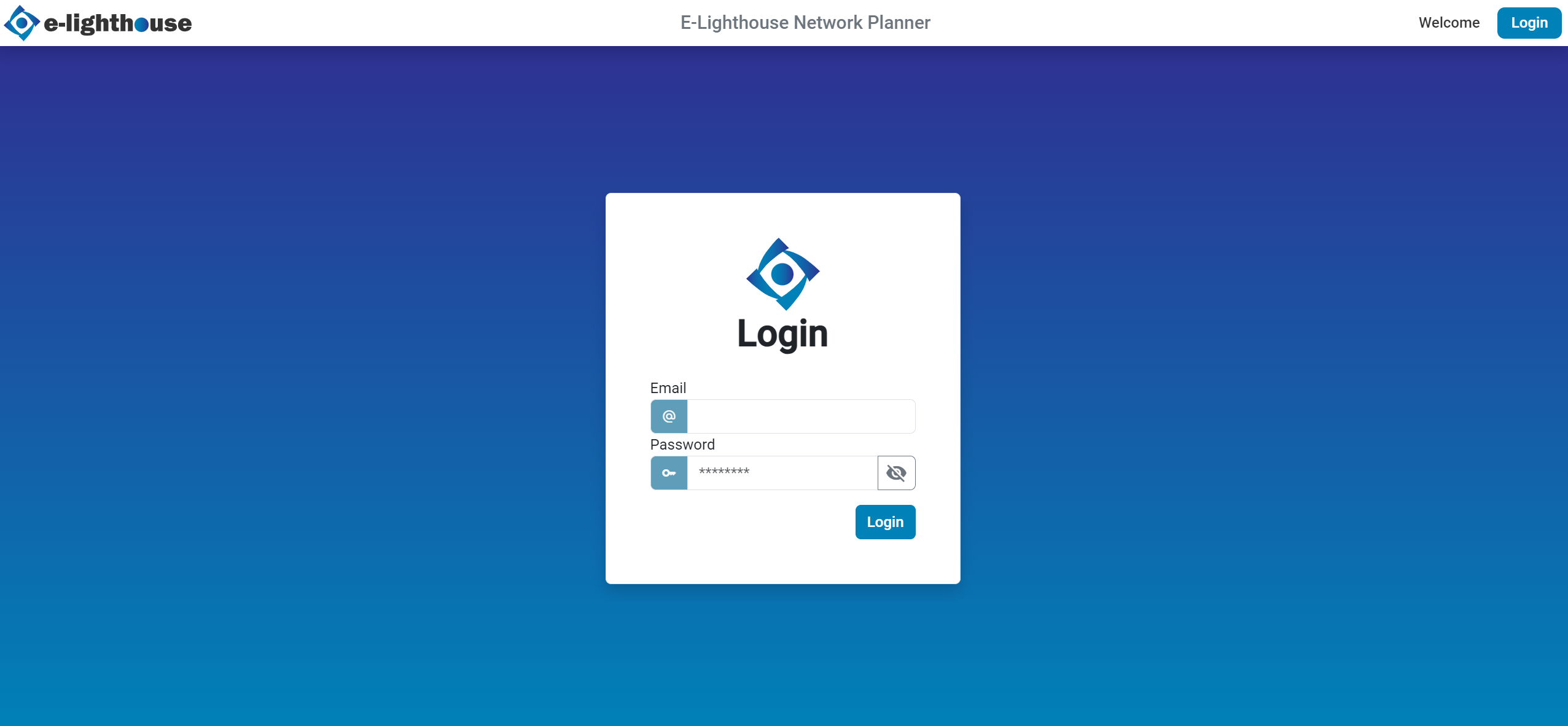
Enter your username or email and your password.
Step 3: Confirm That You Entered the Right Workspace
After logging in, you should be able to identify these elements:
- a top menu with global actions
- the main workspace where network layouts are displayed
- access to the Control window and file system actions
If the screen looks unfamiliar, continue with the UI tour.
What To Do Next
Choose one of these paths:
- If you want a visual orientation first, go to Understand the interface.
- If you want to start using ENP immediately, go to Build your first network.
- If you cannot log in or do not see expected content, go to Troubleshooting.
Expected Result
At this point, you should be signed in and ready to move around the product without guessing where to start.